
Your faith, close at hand
Make time for God,
even on your busiest days.
NEAR is a desktop faith companion that opens right over your work. Read a Bible verse, take a moment to reflect, and get back to your day.
Free for 72 hours.
Scroll to watch NEAR open, then explore the rest of the story.
Your voice companion
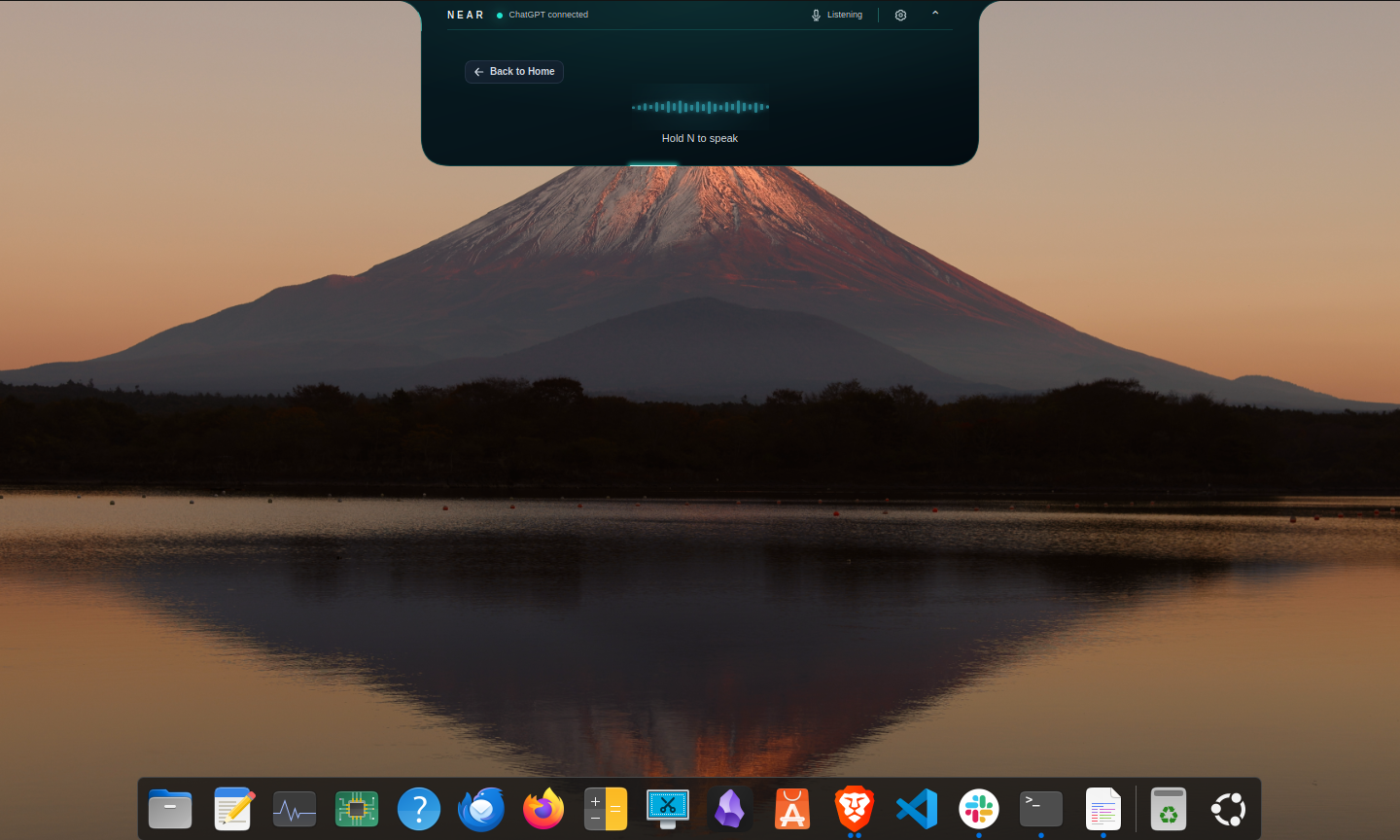
Talk to NEAR, whenever you need a moment.
Hold N to talk or transcribe a question about Scripture. Then say “Play music” followed by a song title to hear the worship song you have in mind.
A thoughtful conversation
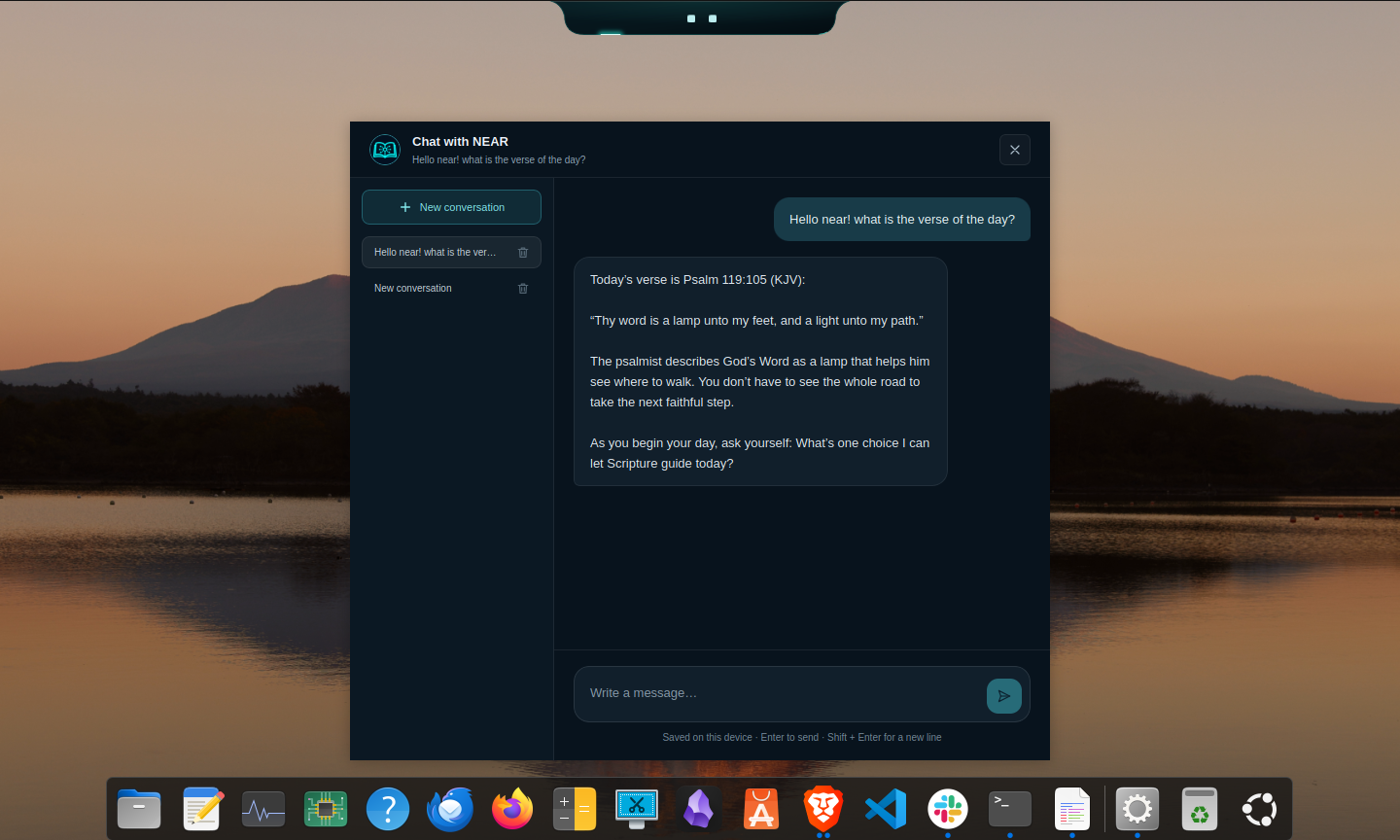
Chat with NEAR.
Ask NEAR about Scripture, talk through what’s on your heart, and explore a thoughtful response grounded in faith.
Listen and reflect
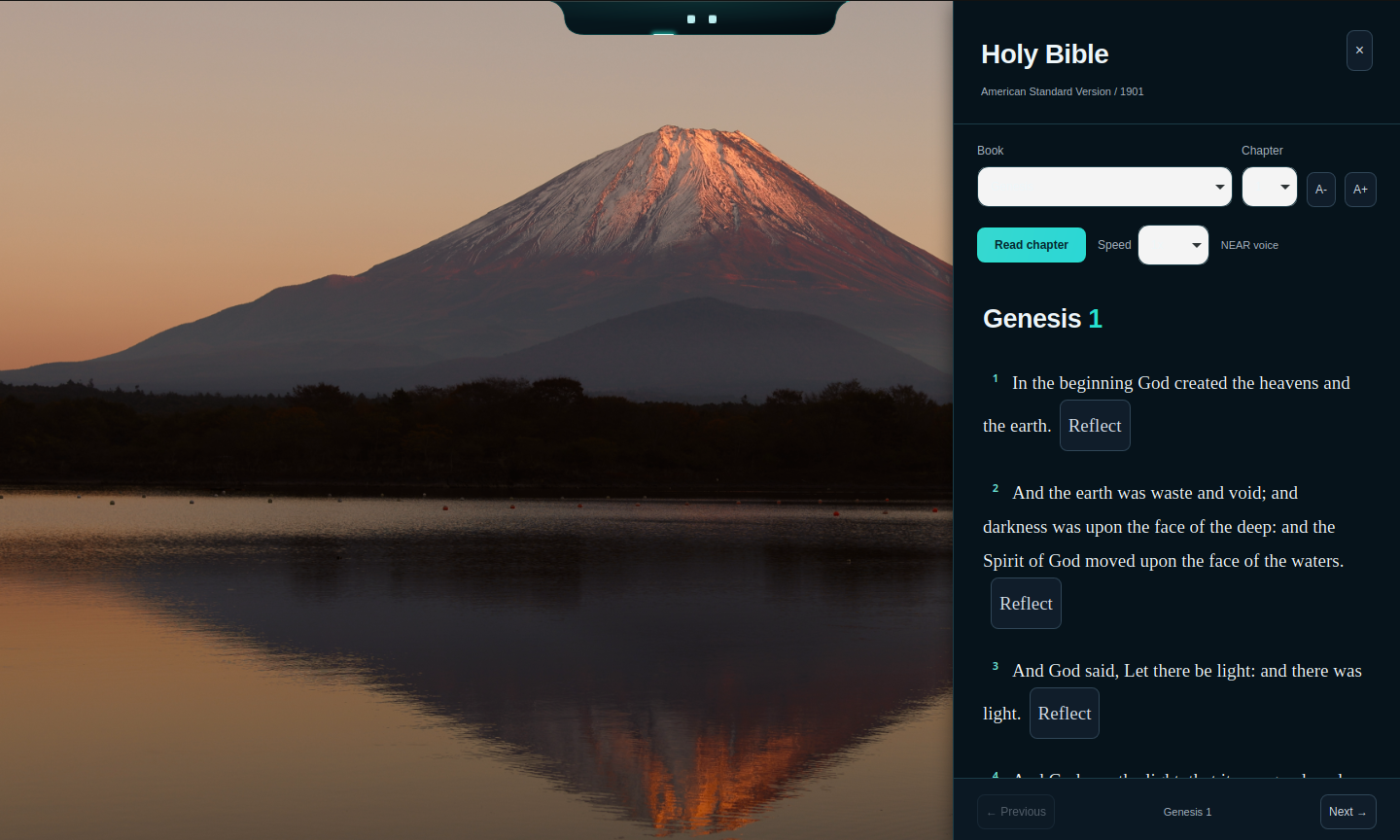
Read the Bible with NEAR.
Choose a book and chapter, then listen as NEAR reads Scripture aloud. Adjust the reading speed and use Reflect to pause on a verse.
Your faith journey
Build a gentle daily practice.
Choose small goals for Scripture, prayer, reflection, or church, and keep your faith practices together in one private space.
Guided reflection
Make space to reflect.
Choose a Bible passage to begin a guided reflection. Your answers are saved privately on your device.
Private on this device
Return to your saved reflections.
Keep your reflections close and revisit them when you want to remember what stood out in Scripture.
Your notes, in one place
Keep your reflections close.
Save thoughts and reflections, search your notes, and add a new one whenever something stands out to you.
Worship music
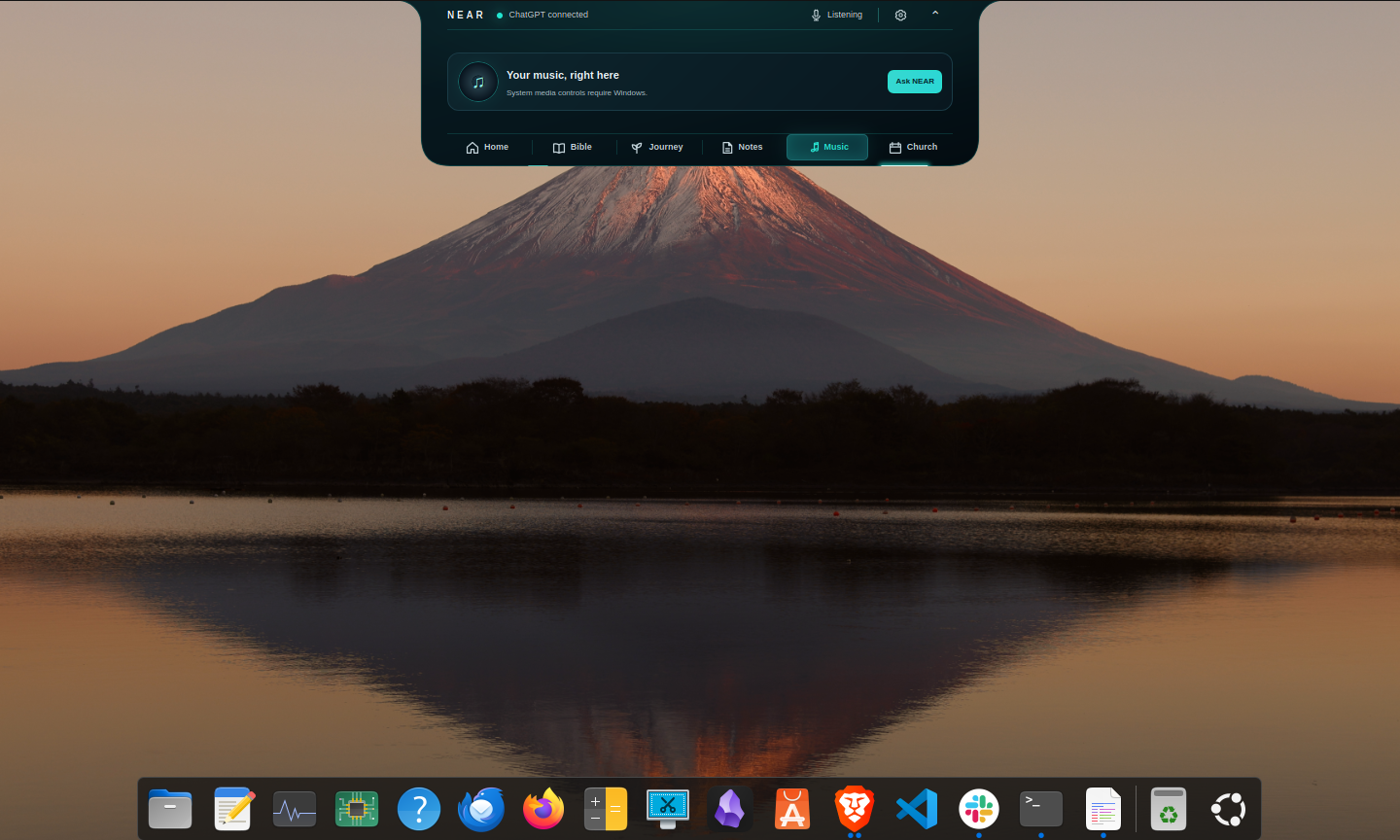
Bring worship music within reach.
Ask NEAR to play a worship song by saying “Play music” followed by its title, then use the music controls to listen.
Stay connected
Keep church events on your calendar.
Plan services and gatherings, add events to your calendar, and keep reminders close while NEAR is running.
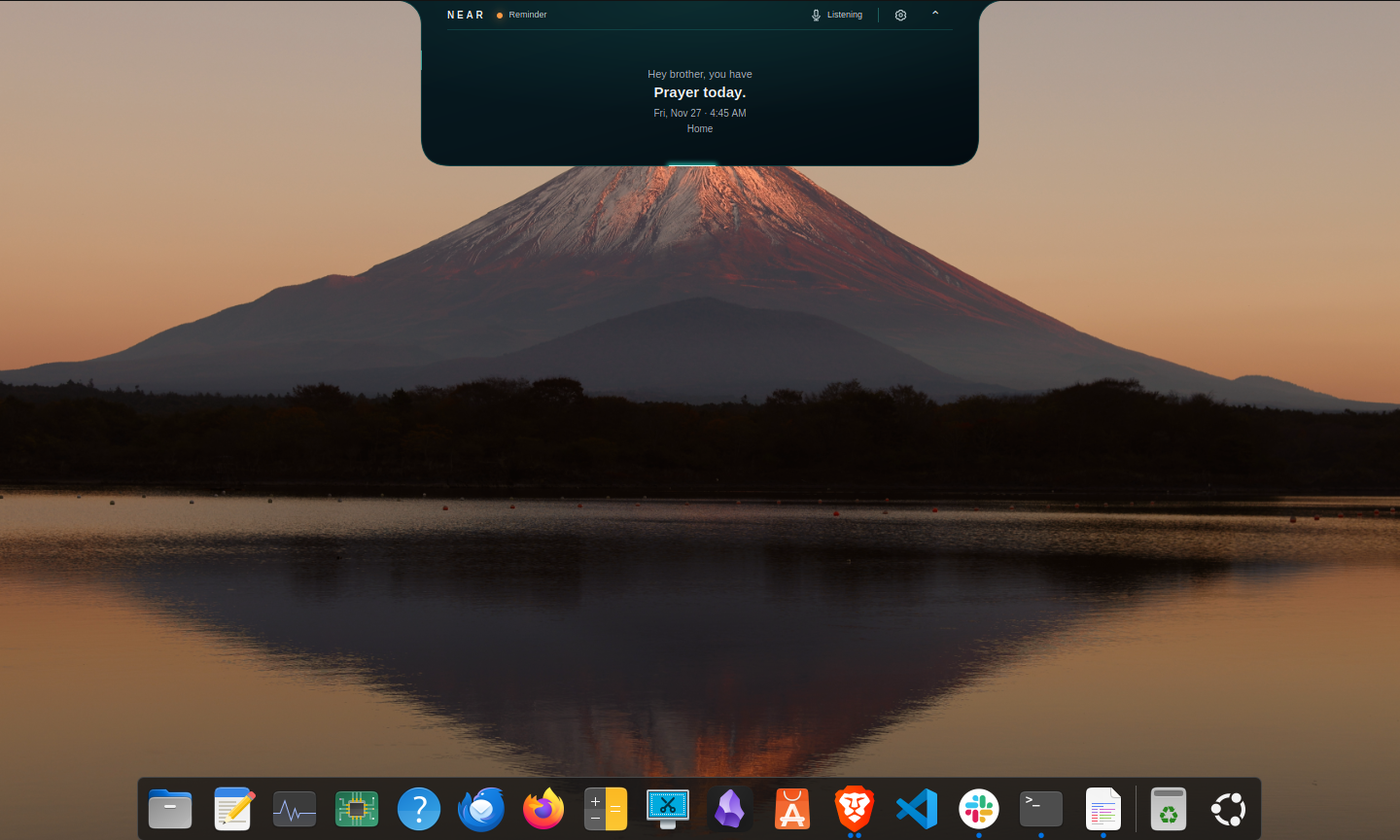
A gentle reminder
Remember your time with God.
See prayer and event reminders right in your desktop notch. NEAR gives you a gentle prompt when it’s time, while the app is running.
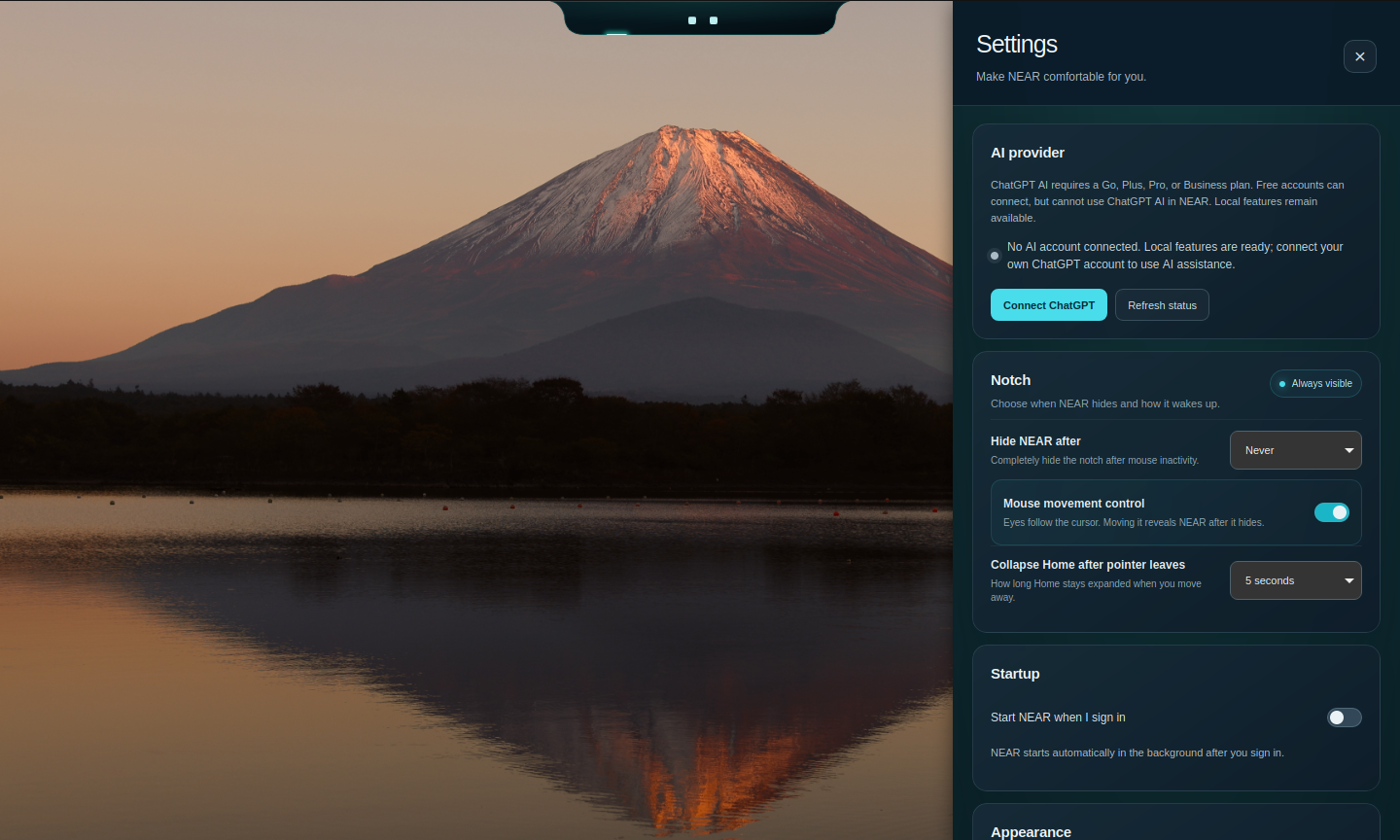
Make NEAR your own
Settings that fit your rhythm.
Manage your ChatGPT connection, choose how the NEAR notch behaves, and adjust startup and appearance preferences.





First-time setup
Set up NEAR, one step at a time.
From the welcome screen to your AI connection, follow the path through NEAR’s first-time setup.
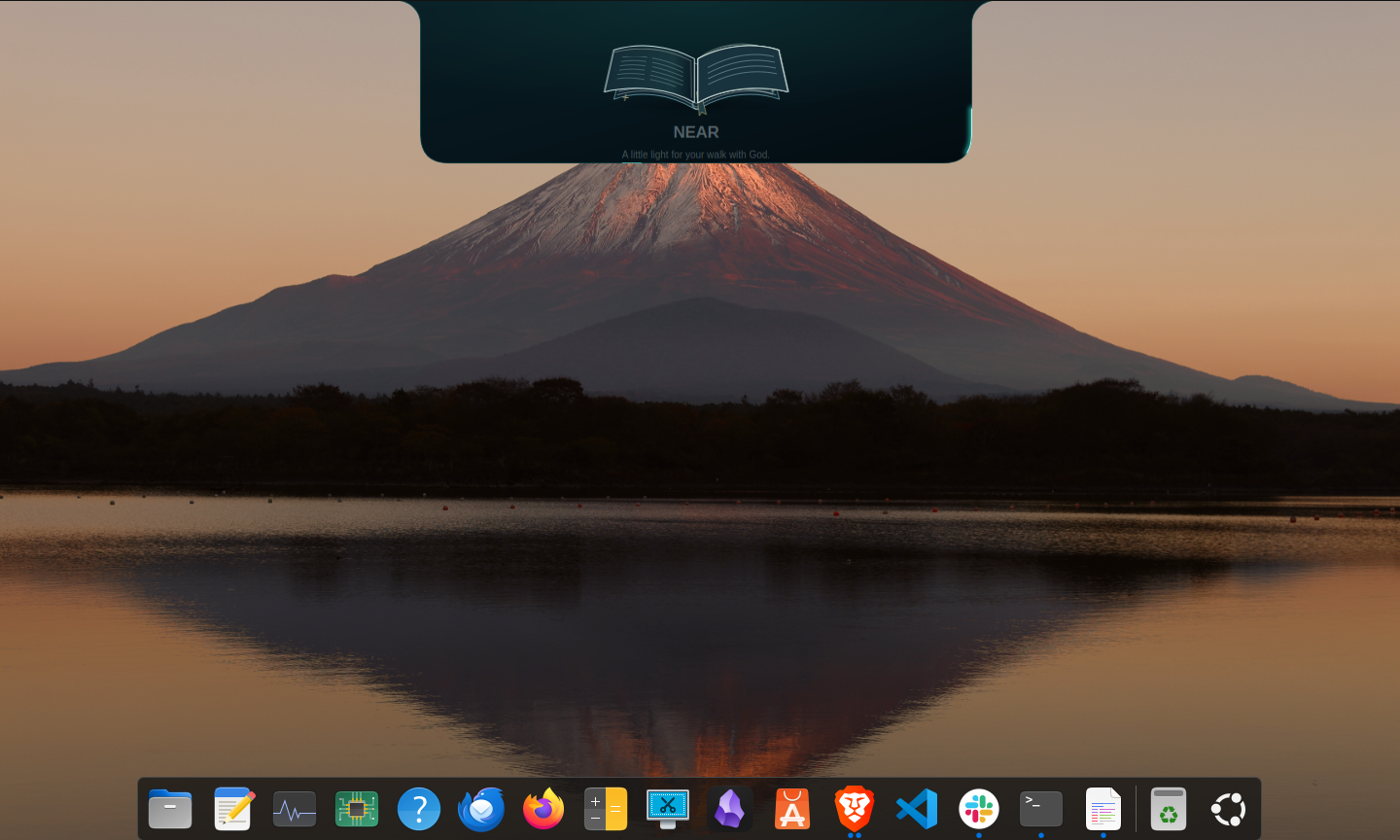
Meet NEAR
Open NEAR and see a little light for your walk with God.
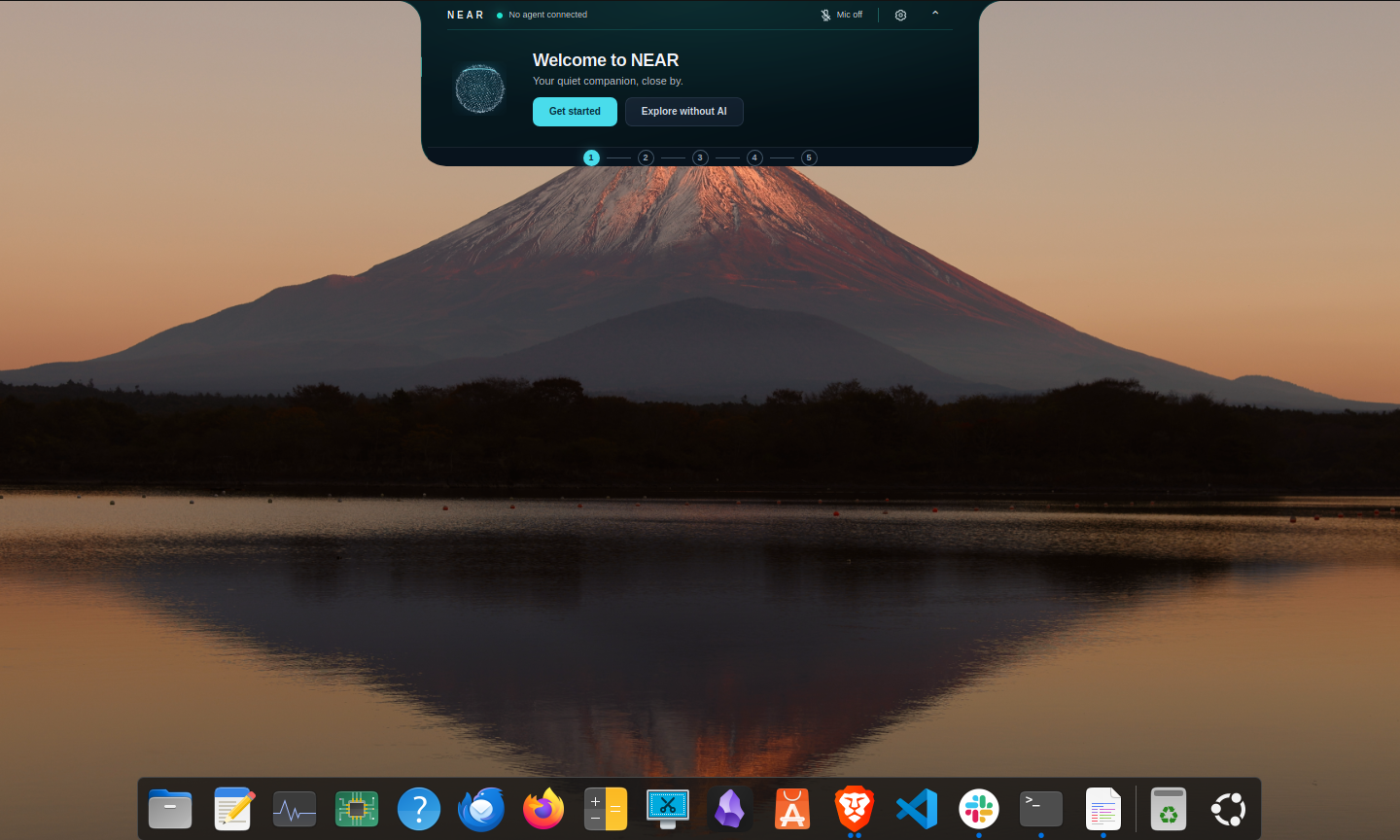
Choose how to begin
Select Get started to set up NEAR, or explore without connecting an AI provider.
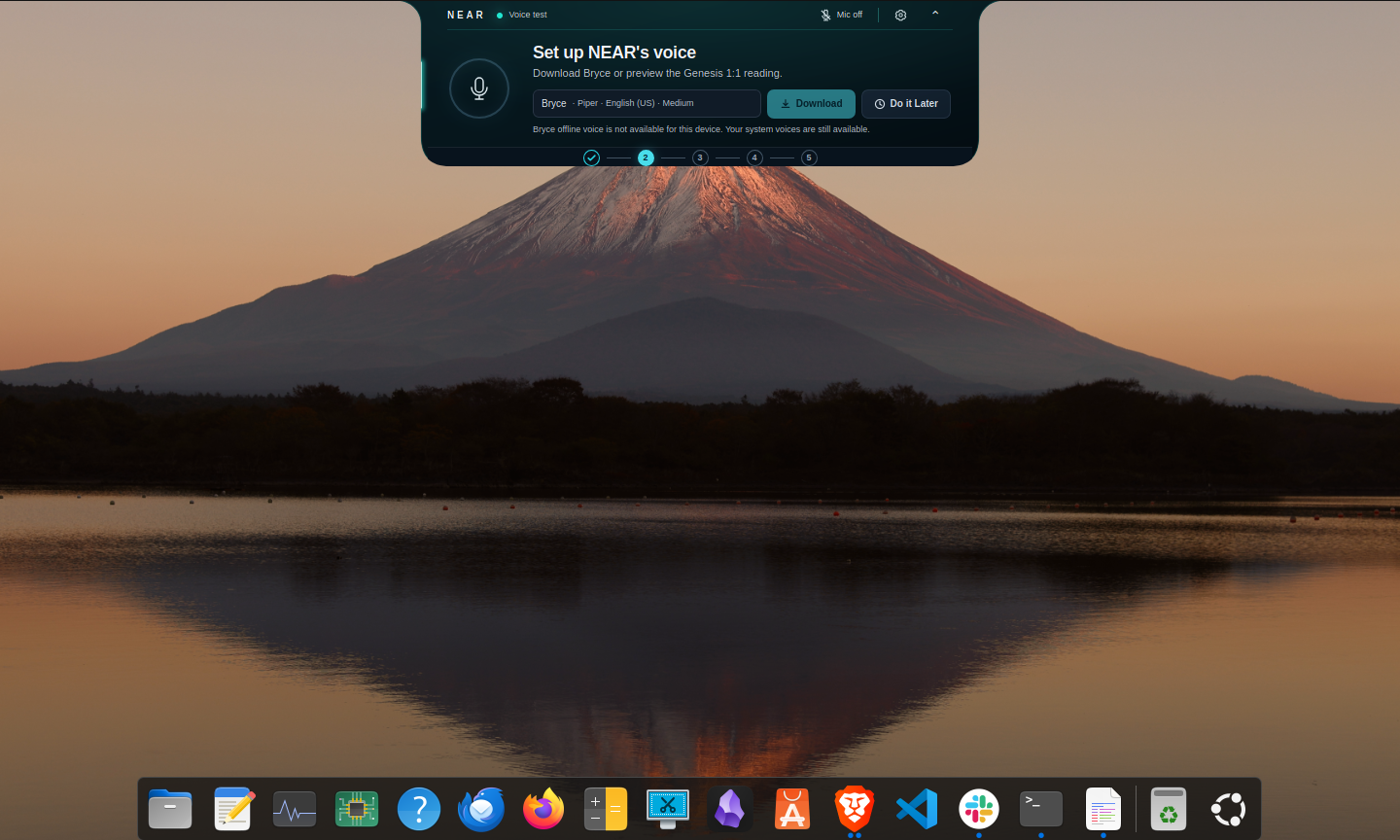
Set up NEAR’s voice
Download the Bryce voice or do it later. Your system voices remain available either way.
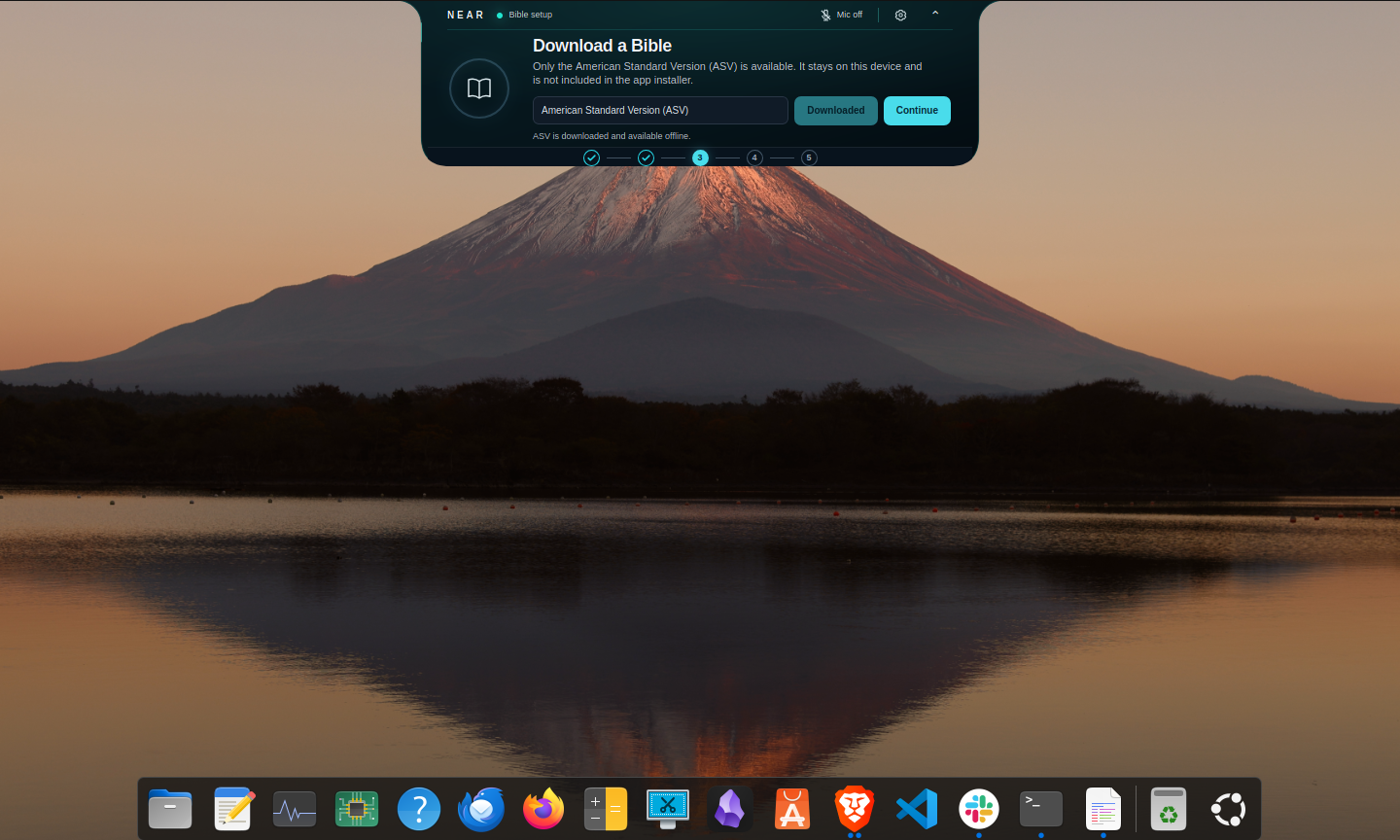
Download a Bible
Choose the American Standard Version to keep a Bible available on this device, including offline.
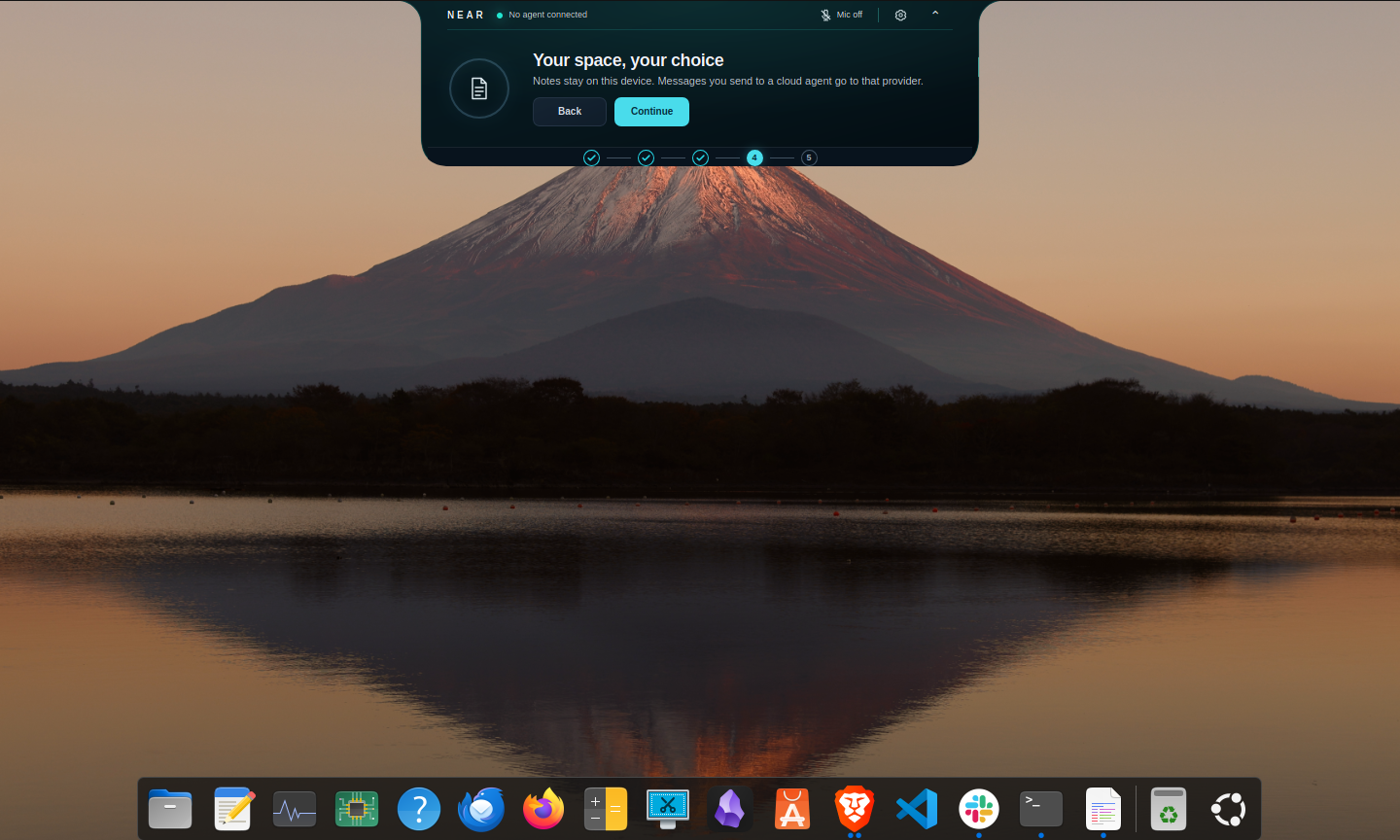
Choose where your notes stay
Notes stay on this device. Messages sent to a cloud agent go to that provider.
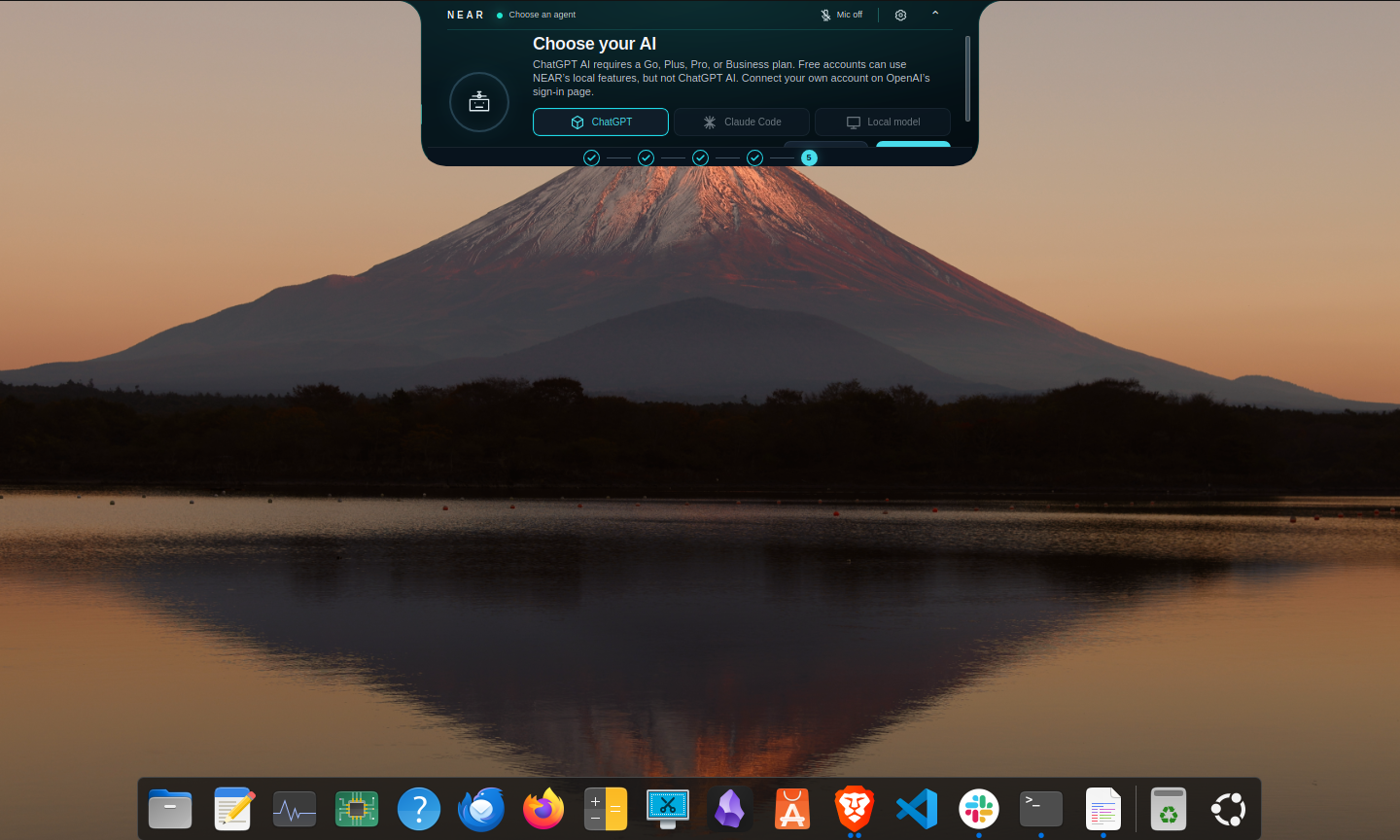
Choose an AI provider
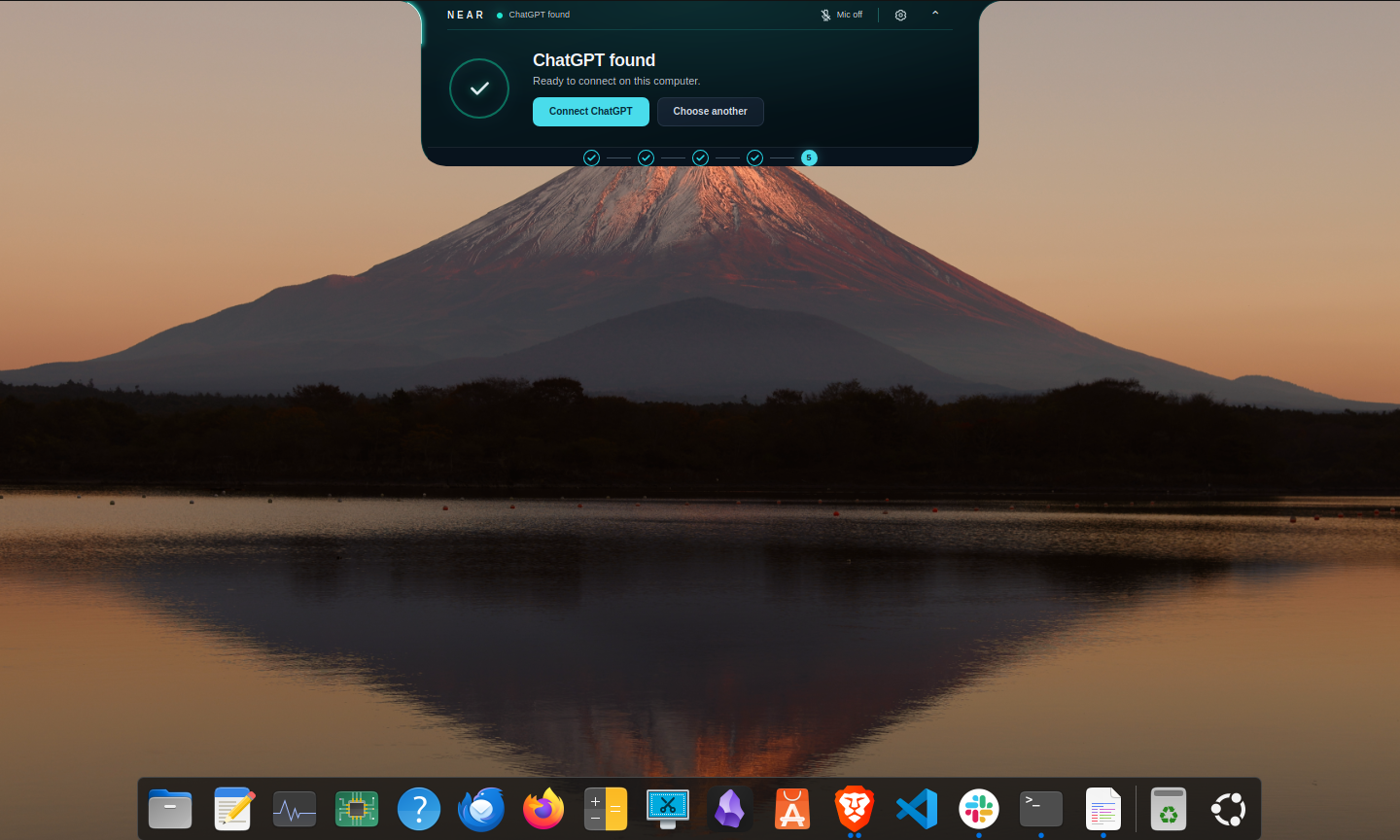
Connect ChatGPT or choose another provider. NEAR’s local features are available without an AI connection.
Connect and get started
When NEAR finds ChatGPT on your computer, connect it to finish setup and begin using AI features.
A simple rhythm for real life.
Faith doesn’t always look the same each day. NEAR fits into your life with gentle moments that meet you right where you are.
Morning
Begin with Scripture and a centered heart.
Midday
A quick pause to reset and refocus on God.
A quiet thought
A short reflection when you need encouragement or perspective.
Sunday
Stay connected with your church and what’s happening in the community.
Stay close to what matters.
NEAR encourages daily Scripture, prayer, and life in your local church—never replacing Scripture, pastoral care, or real community.